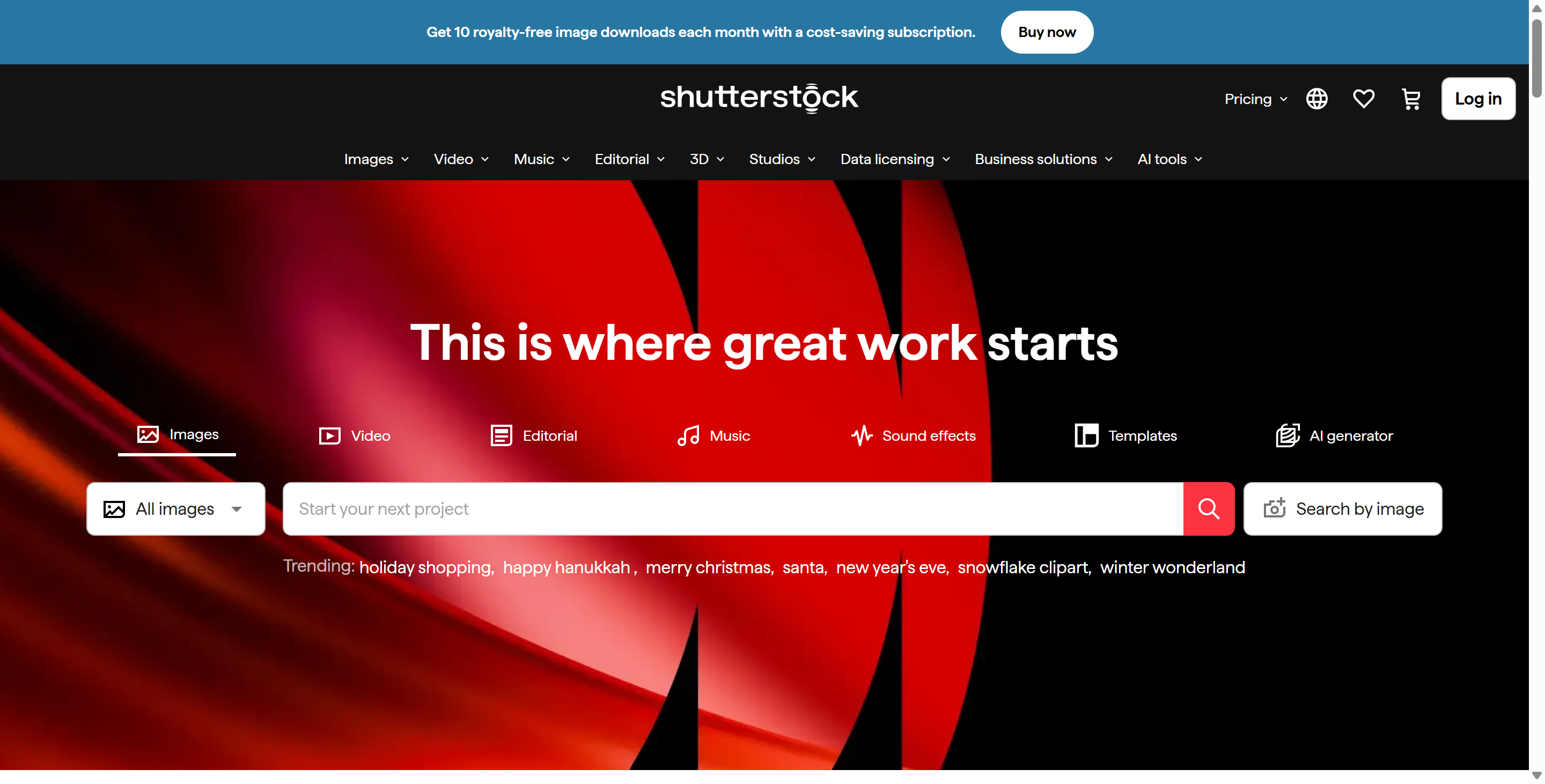
Overview
Shutterstock represents the bridge between the wild west of generative art and the safe, regulated world of corporate marketing. While startups like Midjourney and Stable Diffusion disrupted the industry with raw creative power, Shutterstock focused on solving the biggest hurdle for businesses: copyright liability. Built directly into the massive Shutterstock ecosystem, this platform leverages OpenAI’s DALL-E technology but trains it exclusively on Shutterstock’s own licensed library. This ensures that every pixel generated is "safe" for commercial use, offering a level of legal protection that open-web scrapers cannot match.
Beyond just generation, Shutterstock serves as a complete "Creative Flow" workspace. It allows users to not only generate new images from text but also to edit existing stock photos using AI. You can expand the background of a vertical photo to make it horizontal, remove unwanted objects with a single click, or generate variations of a licensed image to fit a specific campaign. Crucially, Shutterstock pioneers an "ethical AI" model. It established the industry’s first "Contributor Fund," which pays the artists and photographers whose work was used to train the AI models. For brands that care about corporate social responsibility (CSR) and avoiding lawsuits, Shutterstock is the definitive choice.
Key Features
- Ethical AI Image Generator: The core of Shutterstock is its text-to-image engine. Powered by a custom version of DALL-E, it allows users to generate photorealistic images, 3D renders, and art by typing simple prompts. Unlike competitors, Shutterstock is trained on fully licensed data, meaning the output is commercially safe and comes with the same indemnification (legal protection) as a standard stock photo.
- AI Magic Brush & Editing: Shutterstock integrates powerful editing tools directly into the browser. The "Magic Brush" allows users to highlight an area of an image and change it via text prompt (e.g., highlighting a coffee cup and typing "change to a tea cup"). Additionally, the "Smart Resize" and "Zoom Out" features use generative fill to expand the borders of an image, perfect for adapting a single asset to different social media aspect ratios.
- Contributor Fund: A unique feature of Shutterstock is its compensation model. When you generate an image, the system identifies which human-made assets contributed to that generation. Shutterstock then pays a royalty to those original photographers and artists. This "Responsible AI" approach ensures that the human creators are not replaced but rather rewarded by the technology.
- Enterprise Indemnification: For large corporations, the risk of being sued for using AI art is real. Shutterstock solves this by offering full indemnification for enterprise clients. If a third party sues your company claiming a Shutterstock image infringed their copyright, Shutterstock covers the legal costs, treating the AI image with the same warranty as their traditional stock photography.
Use Cases
- For Enterprise Marketing Teams: Large brands use Shutterstock to create campaign assets without fear of legal backlash. They can generate custom visuals that adhere to brand guidelines while knowing that the legal department is satisfied with the copyright protection.
- For Graphic Designers: Designers use Shutterstock to rapidly mock up ideas or "fix" stock photos. If they find a perfect stock photo but the model is looking the wrong way or the background is too cluttered, they use Shutterstock editing tools to tweak it instantly, saving hours of Photoshop work.
- For Ethical Consumers: Businesses that prioritize fair trade and ethical sourcing choose Shutterstock because it is one of the few platforms that actively pays the artists whose data makes the AI possible.
Pricing Plans
Shutterstock is integrated into the broader Shutterstock pricing ecosystem, offering flexibility for both occasional users and power teams.
The Free Trial allows users to experiment with the Shutterstock generator. You can type prompts and see the results (typically 4 variations per generation) without paying. However, to download high-resolution, unwatermarked versions, you must purchase a plan.
The AI Image Generator plan acts as an add-on or standalone subscription. It often provides a pack of "generations" (e.g., $7-$10/month for a set number of downloadable AI images). These images come with a Standard License.
For heavier use, Shutterstock is included in the standard Flex Subscriptions (starting around $29/month). These plans give you a monthly allotment of credits that can be used for either traditional stock downloads or Shutterstock generations. This hybrid model is excellent for users who want the best of both worlds.
Enterprise Plans are custom-quoted and include the critical "Indemnification" clause, unlimited team seats, and API access to integrate Shutterstock directly into internal company tools.
Pros & Cons
Pros
- Shutterstock is commercially safe, offering legal indemnification that protects businesses from copyright lawsuits.
- The platform pays human artists through its Contributor Fund, making it the most ethical choice in the AI space.
- Shutterstock combines generation with editing, allowing you to "fix" images rather than just creating them from scratch.
- The generated images are high-resolution and ready for print or web use immediately.
- Users have access to millions of traditional stock photos alongside AI, providing a massive safety net if the AI doesn't give the perfect result.
Cons
- Shutterstock generation can be more expensive per image than "unlimited" plans from competitors like Midjourney.
- The creative "freedom" of the model is sometimes restricted to ensure safety; it may refuse to generate edgy or controversial content that other AIs would allow.
- Users must use credits to download images, meaning every experiment that you want to keep costs money.
- The interface of Shutterstock is designed for professionals and can feel cluttered with upselling options compared to cleaner, AI-native tools.