Overview
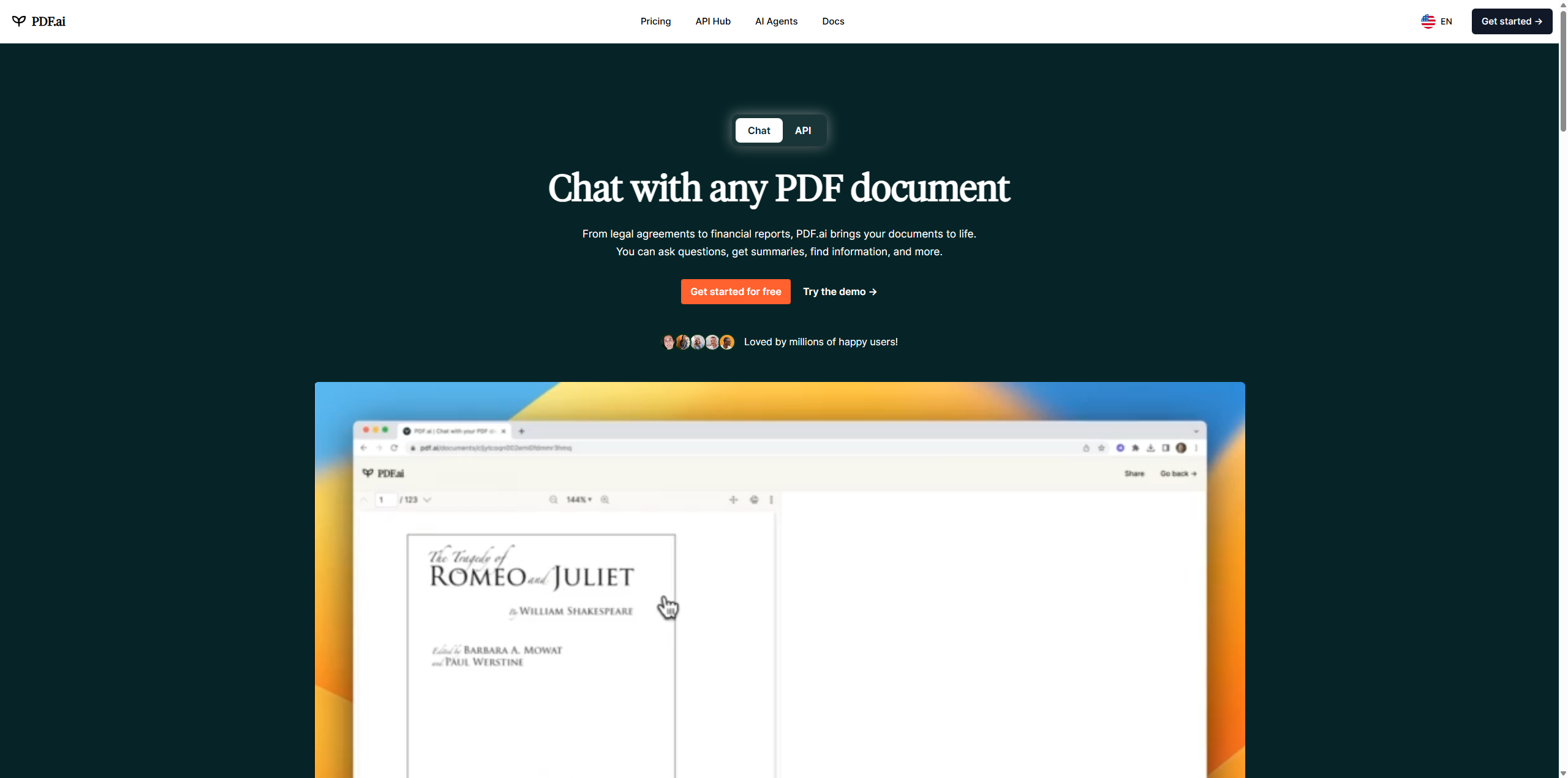
PDF.ai is transforming the way professionals and students interact with digital documents. In a world where information overload is the norm, PDF.ai serves as an intelligent layer between you and your files, turning static text into a conversational experience. Instead of endlessly scrolling through hundreds of pages to find a specific clause or statistic, you simply ask PDF.ai a question, and it retrieves the answer in seconds.
At its core, PDF.ai leverages advanced Large Language Models (LLMs) and Optical Character Recognition (OCR) technology. This combination allows PDF.ai to "read" both digital text and scanned images, making it highly versatile for handling legacy documents. Unlike basic keyword search tools that only find matching strings of text, PDF.ai understands context. If you ask, "What are the financial risks mentioned?", PDF.ai will synthesize relevant points from across the entire document, even if the exact phrase "financial risks" never appears.
This capability makes PDF.ai an essential tool for anyone who deals with dense documentation. From legal contracts and scientific papers to user manuals and financial reports, PDF.ai dramatically reduces reading time while increasing comprehension. By providing verifiable citations for every answer, PDF.ai also builds a bridge of trust, ensuring that the AI's hallucinations are kept in check by grounding every response in the source material.
Key Features
-
Conversational AI Interface: The flagship feature of PDF.ai is its intuitive chat window. Users can upload a document and immediately start a conversation with it. You can ask PDF.ai to "summarize the introduction," "explain this concept in simple terms," or "find the expiration date of this contract." PDF.ai processes these natural language queries and returns precise, human-readable answers.
-
Instant Citations & Page References: Trust is critical when using AI for research. PDF.ai addresses this by linking every answer directly to the source text. When PDF.ai provides a response, it includes a clickable page number. This allows users to instantly verify the information by jumping to the exact location in the document where PDF.ai found the answer, making it suitable for academic and professional work.
-
Optical Character Recognition (OCR): Many legacy documents exist only as scanned images, which traditional text editors cannot read. PDF.ai includes built-in OCR technology that automatically converts scanned PDFs into searchable, interactive text. This ensures that PDF.ai can analyze virtually any document you throw at it, regardless of its original format.
-
Chrome Extension Integration: PDF.ai offers a seamless browser extension that brings its capabilities to the web. Instead of downloading a PDF and re-uploading it to a dashboard, users can activate the PDF.ai extension to chat with online PDFs directly in their browser tabs. This feature significantly streamlines the workflow for researchers who browse heavily on platforms like arXiv or government databases.
Use Cases
-
For University Students: PDF.ai is a lifesaver for managing heavy reading lists. Students can upload complex academic papers and ask PDF.ai to generate study guides, summarize key arguments, or explain difficult technical jargon, saving hours of study time.
-
For Legal Professionals: Lawyers and paralegals use PDF.ai to review contracts and case files. By asking PDF.ai to locate specific clauses regarding "liability" or "termination," legal teams can perform due diligence faster and with greater accuracy than manual review allows.
-
For Financial Analysts: PDF.ai excels at extracting data from annual reports. Analysts can upload a 100-page 10-K filing and ask PDF.ai to extract specific revenue figures, growth percentages, or risk factors, turning unstructured data into actionable insights instantly.
Pricing Plans
PDF.ai offers a straightforward pricing structure designed to cater to both casual users and power professionals.
The Free Plan acts as a robust trial for the service. It allows users to upload one document at a time with a strict file size limit (typically up to 10MB). While limited, this tier enables users to experience the core power of PDF.ai—chatting with a document and testing the OCR capabilities—without any financial commitment.
For serious users, the Premium/Ultimate Plan (often priced around $15–$20 per month) unlocks the full potential of PDF.ai. This tier removes the restrictive file size and upload limits, allowing for larger documents (up to 50MB or more) and unlimited question history. Importantly, the paid version of PDF.ai often includes the ability to "chat with folders," enabling users to query multiple documents simultaneously. This is crucial for professionals who need PDF.ai to synthesize information across an entire project's worth of files.
Pros & Cons
Pros
- PDF.ai provides direct citations for every answer, making it easy to fact-check the AI's output.
- The interface is clean and user-friendly, requiring no technical knowledge to start using PDF.ai effectively.
- PDF.ai includes a Chrome extension, which drastically improves workflow for web-based research.
- The OCR functionality allows PDF.ai to process scanned images and older documents that other tools might reject.
- PDF.ai offers an API for developers, allowing them to integrate its powerful document analysis into their own applications.
Cons
- The free plan of PDF.ai is quite restrictive, allowing only one document upload, which forces users to upgrade for meaningful work.
- Some users have reported frustration with PDF.ai's billing practices, specifically regarding recurring subscriptions and cancellation processes.
- While powerful, PDF.ai can sometimes struggle with extremely complex tabular data or handwritten text, similar to other AI tools.
- PDF.ai is strictly focused on PDFs and does not natively support other file formats like Word or Excel without prior conversion.