Overview
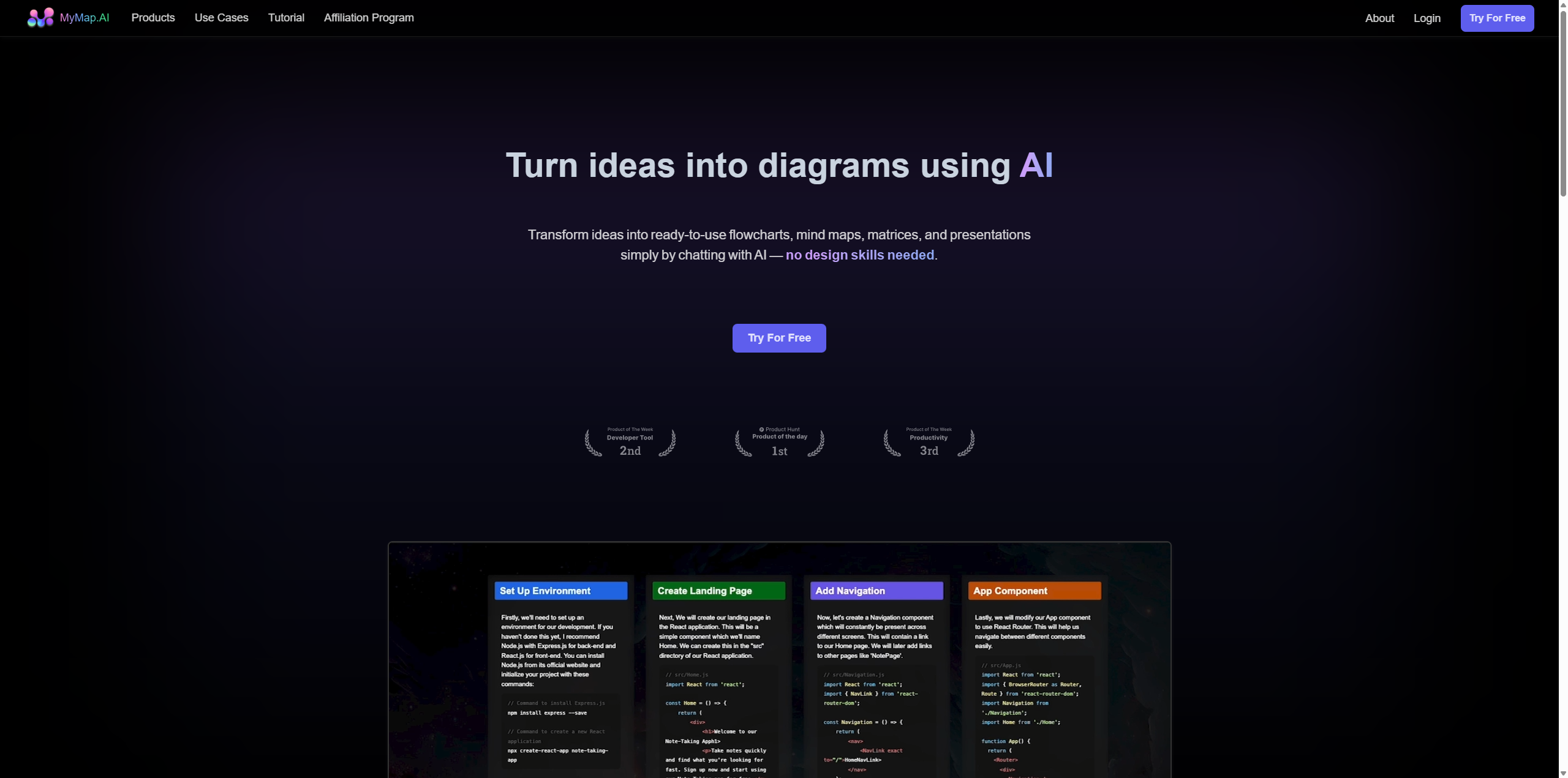
MyMap.ai helps visual thinkers escape the "wall of text." Unlike traditional diagramming tools that require you to drag and drop shapes manually, MyMap.ai uses generative AI to build complex visuals for you. It functions as a conversational interface for your ideas: you type a prompt or upload a document, and MyMap.ai converts that information into a structured, visual map in seconds.
Powered by advanced Large Language Models (LLMs) like GPT-4 and Claude, MyMap.ai bridges the gap between text generation and visual organization. It is designed to solve the problem of information overload by laying out concepts spatially, making it easier to spot connections and hierarchies. Whether you are a student trying to visualize a dense lecture, a product manager outlining a roadmap, or a content creator storyboarding a video, MyMap.ai acts as your 24/7 visual designer. It supports a wide array of formats—from Kanban boards to complex concept maps—and uniquely integrates real-time web search to ensure your diagrams are based on up-to-date information.
Key Features
- Chat-to-Diagram Interface: The core magic of MyMap.ai is its conversational workflow. Instead of fiddling with toolbars, you simply tell the AI what you need (e.g., "Create a flowchart for a user registration process"). MyMap.ai interprets your intent and generates a fully editable diagram instantly, drastically reducing the time from idea to visualization.
- Multi-Format Visual Generation: MyMap.ai is not limited to just one type of chart. It can generate Mind Maps for brainstorming, Flowcharts for process logic, Kanban Boards for project management, and even Slide Decks for presentations. This versatility allows users to switch perspectives on their data with a single click.
- AI-Powered File Analysis: Users can upload heavy documents (PDFs, Word docs, PowerPoint files) directly into MyMap.ai. The AI analyzes the content and extracts key points to automatically construct visual summaries. This feature is a game-changer for researchers who need to visualize the arguments of an academic paper without reading every sentence.
- Real-Time Web Search Integration: Unlike many AI tools that rely on older training data, MyMap.ai can browse the live internet. If you ask for a "competitor analysis of the EV market in 2025," MyMap.ai will fetch current data and organize it into a comparison matrix or mind map, citing its sources.
Use Cases
- For Students & Researchers: MyMap.ai excels at breaking down complex topics. A student can upload a 50-page textbook chapter, and MyMap.ai will turn it into a hierarchical concept map, making revision and memorization significantly easier.
- For Product Managers: Managing workflows is effortless with MyMap.ai. Managers can describe a product launch strategy, and the tool will generate a detailed timeline or Kanban board, helping teams visualize dependencies and milestones instantly.
- For Content Creators: Writers and YouTubers use MyMap.ai to outline narratives. By chatting with the AI, they can structure a video script into a storyboard format, ensuring the flow of logic is sound before they start production.
Pricing Plans
MyMap.ai operates on a freemium model designed to let users test the waters before committing to a subscription.
- Free Plan: The entry-level plan allows users to generate a limited number of maps per day (typically around 5 AI requests). It creates visuals using standard models (like GPT-3.5) and is ideal for casual users who need occasional diagramming help. However, exports may be lower resolution, and access to advanced features is restricted.
- Pro Plan: Priced around $15-$20 per month, the Pro plan unlocks the full power of MyMap.ai. Subscribers get unlimited AI requests, access to smarter models (GPT-4, Claude 3), and higher-quality image exports. This tier also typically enables "Web Search" capabilities and larger file uploads for document analysis.
- Team Plan: Designed for collaboration, this tier (approx. $25/month per user) adds shared workspaces, allowing multiple team members to edit diagrams in real-time. It includes advanced admin controls and priority support.
Pros & Cons
Pros
- MyMap.ai drastically reduces the learning curve for diagramming; if you can chat, you can design.
- The ability to convert uploaded PDFs and URLs directly into visual maps is a massive time-saver for research.
- MyMap.ai supports a surprisingly wide variety of diagram types, from simple concept maps to complex UI flows.
- Real-time collaboration features make it a viable competitor to tools like Miro for remote teams.
- The "Presentation Mode" allows users to present their ideas directly from the map without needing to export to PowerPoint.
Cons
- The MyMap.ai free plan is quite restrictive, often hitting daily limits after just a few interactions.
- While fast, the AI-generated layouts sometimes require manual "cleanup" to look professional (e.g., overlapping nodes).
- MyMap.ai can feel like a "wrapper" for text LLMs, meaning the depth of analysis is only as good as the underlying model.
- Export options can be limited compared to industry giants like Lucidchart, sometimes making it hard to integrate into other documentation.