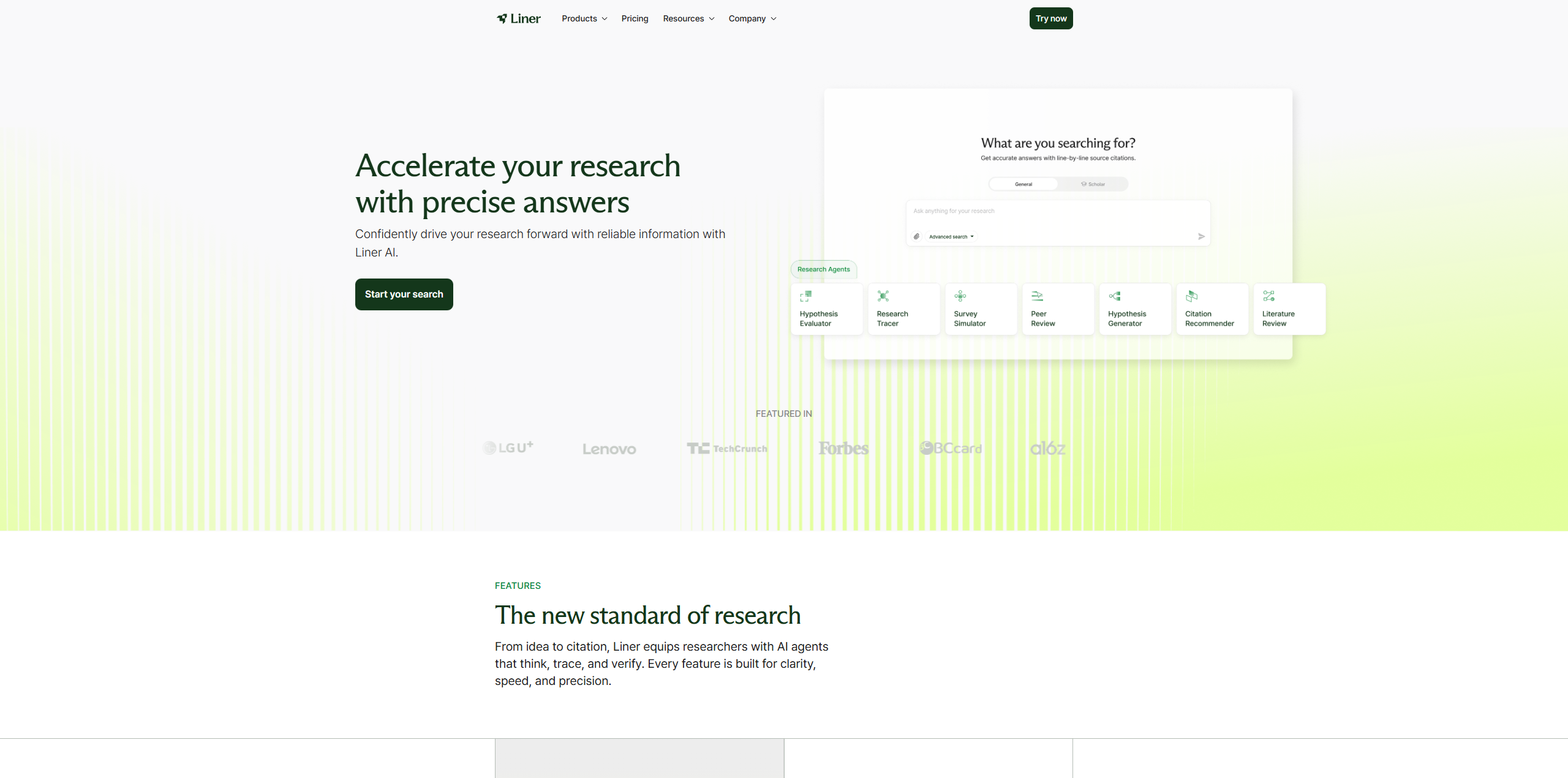
Overview
Liner (often simply called Liner) has established itself as the go-to AI workspace for serious researchers, students, and information junkies. While many AI tools hallucinate or invent facts, Liner focuses strictly on credible information retrieval. Originally launched as a popular web highlighter, Liner has evolved into a comprehensive "AI Copilot" that lives in your browser. It helps you filter the noise of the internet by providing answers backed by academic papers, verified articles, and user-vetted content.
The core problem Liner solves is the fragmentation of research. Usually, a user searches on Google, opens ten tabs, reads them all, and manually takes notes in a separate doc. Liner unifies this workflow. It allows you to highlight text directly on any webpage or PDF, effectively "saving" knowledge where you find it. Then, its advanced AI agents use those highlights to generate summaries, answer complex questions, and recommend related credible sources. Whether you are writing a thesis, preparing a market report, or just organizing your digital reading list, Liner acts as an intelligent layer over the web, ensuring that you not only find information but also retain and understand it. By prioritizing "trusted sources" over random web data, Liner positions itself as a reliable alternative to standard generative AI for academic and professional use.
Key Features
- AI Workspace & Copilot: The heart of Liner is its Copilot, which functions as a smart research companion. Unlike standard chatbots, the Liner Copilot can answer questions based specifically on the page you are viewing or across the entire web. It provides summaries of long articles and YouTube videos instantly, helping you digest content without consuming it in full.
- Web & PDF Highlighting: Liner gained fame for its highlighting tool. You can mark important text on any website, PDF, or even YouTube video transcript. These highlights are saved to your Liner homepage, creating a personalized knowledge base. This means you never lose a valuable quote or statistic again—it is always just one click away in your Liner dashboard.
- Scholar Mode (Academic Search): For students and scientists, Liner offers a "Scholar Mode." This feature restricts the AI's search scope to trusted academic sources, journals, and papers. When you ask a question in this mode, Liner provides answers with line-by-line citations, ensuring that every claim is backed by peer-reviewed evidence suitable for academic writing.
- Browser Extension: Liner lives where you work. Its powerful browser extension (available for Chrome, Edge, etc.) integrates seamlessly into your Google Search results. When you search for a topic, Liner displays a concise, AI-generated answer alongside the standard link list, often saving you from needing to click through multiple results.
Use Cases
- For University Students: Liner is indispensable for writing essays and theses. Students use the "Scholar Mode" to find cited sources quickly and use the highlighting feature to track key arguments across dozens of PDFs, keeping their research organized in one place.
- For Content Curators: Newsletter writers and bloggers use Liner to curate information. By highlighting interesting facts as they browse the web during the week, they build a repository of content in Liner that is ready to be synthesized into their next piece of content.
- For Market Researchers: Professionals use Liner to analyze industry trends. They can upload a 100-page financial report to Liner, ask specific questions like "What are the Q3 risks?", and get an instant answer with direct page references, saving hours of manual reading.
Pricing Plans
Liner offers a tiered pricing structure to accommodate casual readers and heavy-duty researchers.
The Free Plan is a great entry point. It allows users to make unlimited basic searches and highlights on the web. However, the free version of Liner has restrictions on advanced AI models (like GPT-4) and limits the number of "Deep Research" queries you can perform per day. It creates a solid foundation for organizing your reading but lacks the heavy analytical power of the paid tiers.
The Professional Plan (often priced around $14.99 - $19.99/month) is the most popular choice. It unlocks the full potential of Liner, giving users access to the most advanced LLMs (like GPT-4o and Claude 3.5). Subscribers get unlimited "AI Agent" calls, higher file upload limits for PDF analysis, and an ad-free experience. If you are writing a paper or doing daily professional research, the time saved by Liner's advanced summarization features easily justifies the cost.
There is also a Liner Team plan for collaborative groups, which includes shared workspaces and data privacy controls, ensuring that proprietary research remains secure within the organization.
Pros & Cons
Pros
- Liner provides accurate, cited answers, significantly reducing the "hallucination" risk common in other AI tools.
- The highlighting feature allows users to build a personal "second brain" directly on the web, which is unique to Liner.
- Liner integrates deeply into the browser, enhancing Google Search results rather than forcing you to switch tabs.
- The "Scholar Mode" is a specific, high-value tool for academics that general chatbots cannot match.
- Liner supports YouTube video summarization, allowing users to extract information from video content as easily as text.
Cons
- The free version of Liner is somewhat restrictive regarding advanced AI queries and file uploads.
- Some users find the Liner browser extension intrusive if they only want to browse casually without seeing highlights or pop-ups.
- Canceling subscriptions has been a point of friction for some users in the past, though Liner has improved its dashboard interface.
- Liner is primarily a research and reading tool; it lacks the creative writing or image generation capabilities of broader tools like ChatGPT.