Overview
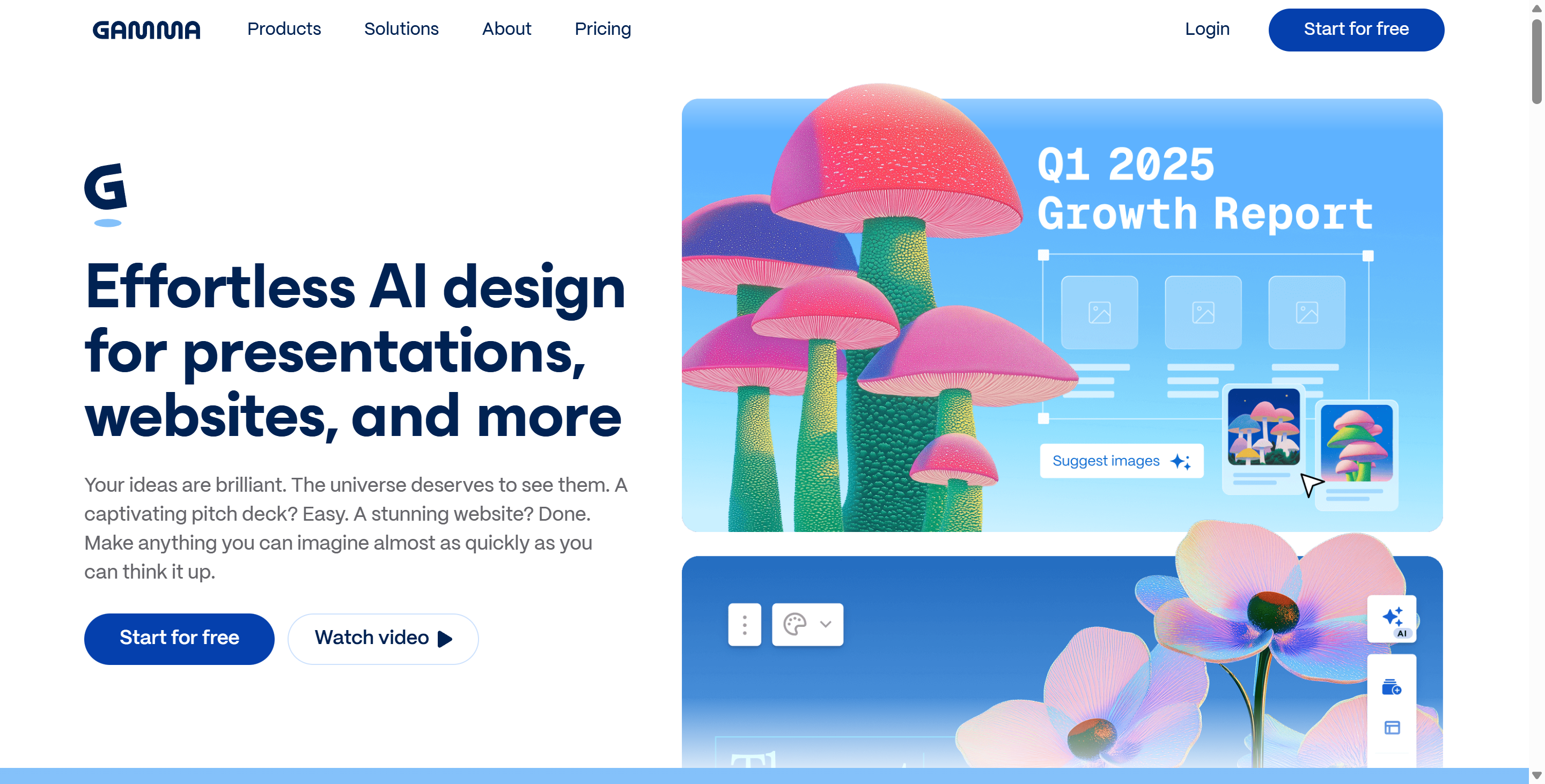
Gamma is reimagining the medium of ideas. For decades, professionals and students have been stuck in the rigid "slide" format of PowerPoint and Google Slides, spending more time moving text boxes than refining their message. Gamma breaks this mold by introducing a new, fluid format that functions more like a polished website than a static deck. Powered by advanced artificial intelligence, Gamma acts as your personal design partner. You simply type a topic, paste an outline, or upload a document, and Gamma autonomously builds a professional presentation, complete with layouts, images, and charts, in under a minute.
The core philosophy of Gamma is "content first, design later." It uses a unique "card" system that expands and shrinks to fit your content, eliminating the frustration of cramming too much text onto a single 16:9 slide. Whether you are a startup founder building a pitch deck, a teacher creating a lesson plan, or a marketer reporting on Q3 metrics, Gamma ensures your work looks consistently stunning with zero design skills required. By blending the visual impact of a slide deck with the readability of a document, Gamma has rapidly become the go-to tool for storytellers who value speed and aesthetics. As the platform evolves with features like "Gamma Agent" for conversational editing, Gamma is positioning itself not just as a tool, but as a new standard for business communication.
Key Features
- AI-Powered Generation: The defining feature of Gamma is its "Generate" mode. Users can type a simple prompt (e.g., "Create a pitch deck for an eco-friendly coffee shop") or paste an entire research paper, and Gamma will analyze the text to structure a complete presentation. It automatically selects themes, places images, and summarizes dense text into digestible bullet points, saving hours of manual formatting.
- Fluid "Card" Format: Unlike traditional presentation tools that force you into fixed slide dimensions, Gamma uses flexible cards. These cards can grow vertically to accommodate more content, similar to a webpage. This allows Gamma presentations to be read on mobile devices or desktops without the need for constant pinching and zooming, offering a superior viewing experience.
- One-Click Restyling: Gamma separates content from design. This means you can change the entire look and feel of your presentation with a single click. By selecting a new "Theme," Gamma automatically updates fonts, colors, and background imagery across every card, ensuring your branding remains consistent without you needing to edit individual elements.
- Rich Media Embeds: Gamma is built for the modern web. It supports "live" embeds, meaning you can drag and drop interactive elements directly into your presentation. You can embed YouTube videos, TikToks, Spotify playlists, Typeform surveys, and even live Airtable bases. This makes a Gamma deck an interactive experience rather than a flat, static file.
Use Cases
- For Startup Founders: Founders use Gamma to generate investor pitch decks rapidly. Instead of obsessing over pixel-perfect alignment in Keynote, they use Gamma to iterate on their narrative, knowing the design will always look professional enough for a VC meeting.
- For Sales Teams: Sales professionals use Gamma to create personalized client proposals. Because Gamma functions like a website, they can send a trackable link to a prospect, allowing the client to scroll through the proposal on their phone rather than downloading a heavy PDF attachment.
- For Educators: Teachers use Gamma to convert dull lesson notes into engaging visual aids. The AI can instantly generate quiz cards or visual summaries of historical events, keeping students engaged without adding to the teacher's workload.
Pricing Plans
Gamma employs a credit-based freemium model that is generous enough for casual use but scales for power users.
The Free Plan is an excellent entry point. It provides users with a starter set of 400 AI credits, which is enough to generate a handful of full presentations. Free users of Gamma can access the basic templates and export to PDF. However, decks created on this tier retain the "Made with Gamma" badge, and users cannot access advanced analytics to see who viewed their deck.
The Plus Plan (approx. $8/user/month) is designed for regular creators. It removes the "Made with Gamma" branding, making your presentations look fully custom. Subscribers to the Plus version of Gamma also get unlimited AI creation credits, meaning they can generate as many decks as they want without worrying about running out. This tier also unlocks offline export to PowerPoint (PPTX), which is crucial for corporate environments.
The Pro Plan (approx. $15-$20/user/month) is for data-driven professionals. It includes everything in Plus but adds powerful analytics. Gamma Pro users can track detailed engagement metrics, seeing exactly how long a client spent on each card. It also unlocks custom fonts and advanced administrative controls for teams, making Gamma a viable enterprise solution.
Pros & Cons
Pros
- Gamma is significantly faster than PowerPoint; you can finish a draft in 5 minutes that would usually take 2 hours.
- The "Card" format is mobile-responsive, solving the age-old problem of slides looking terrible on phones.
- Gamma allows for real-time collaboration, letting multiple users edit the same deck simultaneously.
- The "Export to PowerPoint" feature is surprisingly robust, allowing you to move your AI design back into traditional software if needed.
- Gamma integrates with Unsplash and Giphy, giving you instant access to millions of royalty-free images and GIFs.
Cons
- The AI-generated content in Gamma can sometimes be generic, requiring human editing to add specific insights or data.
- While flexible, Gamma lacks the deep, pixel-level control of tools like Figma or Adobe InDesign.
- The credit system on the free plan of Gamma does not refresh monthly (it is a one-time grant), eventually forcing active users to upgrade.
- Gamma is primarily cloud-based, so offline editing capabilities are limited compared to desktop software.