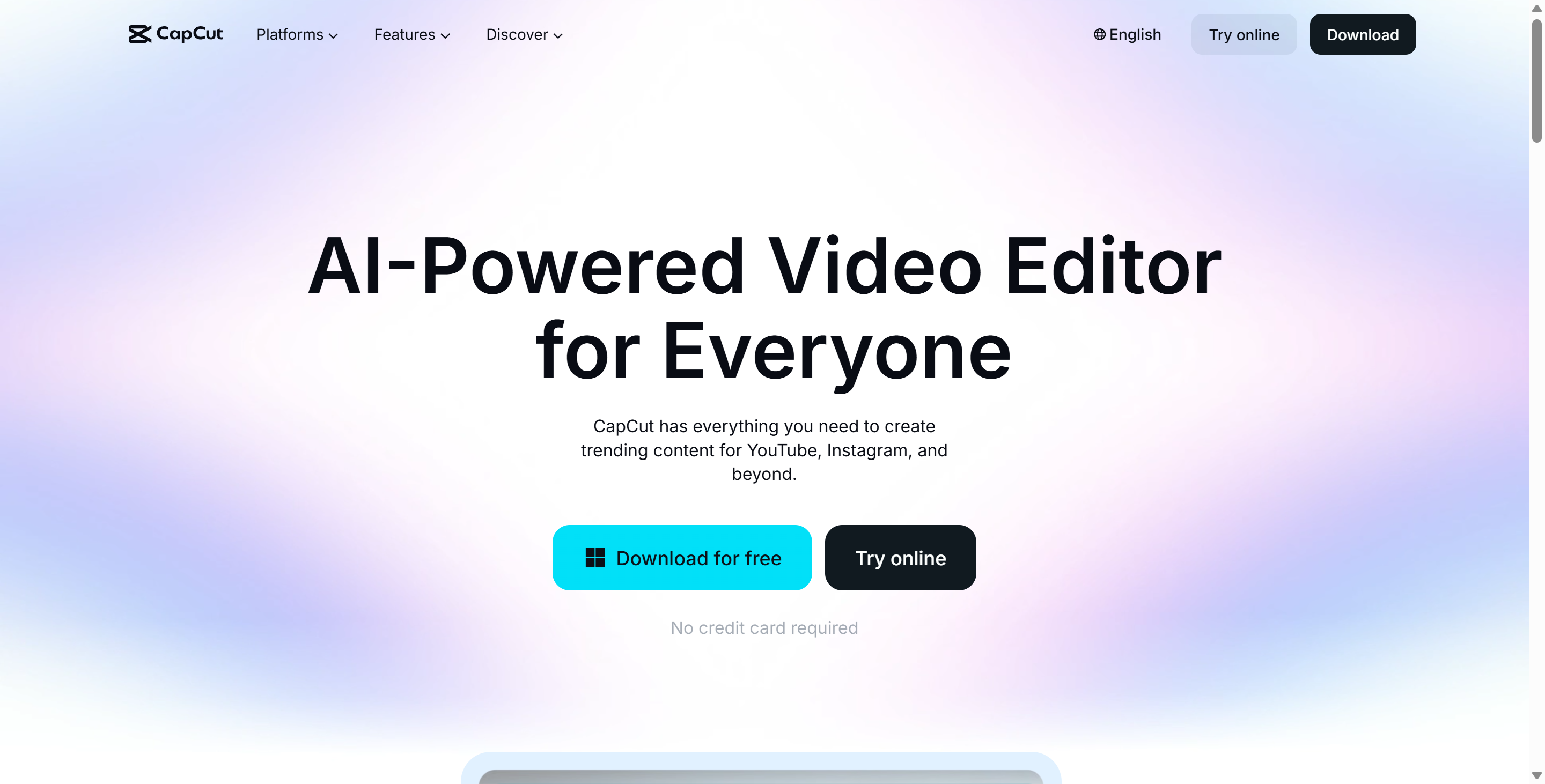
Overview
CapCut has undeniably changed the landscape of digital content creation. Developed by ByteDance, the parent company of TikTok, CapCut was originally designed to be the perfect companion app for the world's fastest-growing social network. However, it has since evolved into a standalone behemoth, rivaling professional software like Adobe Premiere Rush and Final Cut Pro for short-form content. CapCut provides a "what you see is what you get" editing experience that democratizes video production. Whether you are editing on a smartphone during a commute, refining a cut on a desktop PC, or collaborating via the web browser, CapCut offers a unified, cloud-synced ecosystem.
The core philosophy of CapCut is speed and accessibility. It removes the steep learning curve associated with timeline-based editing. Features that used to require hours of manual rotoscoping—like removing a video background—are now accomplished in CapCut with a single tap using AI. This efficiency has made CapCut the de facto standard for Gen Z creators, small business owners, and social media managers who need to churn out high-quality, viral-ready content daily. By integrating a massive library of licensed music, stickers, and templates directly into the editor, CapCut ensures that users have every asset they need to tell their story without ever leaving the app.
Key Features
- AI "Magic" Tools: CapCut is packed with intelligent features that automate tedious tasks. The "AutoCut" feature can take a batch of your photos and videos and instantly sync them to a beat with transitions. More advanced tools in CapCut include "Video Background Remover," which deletes messy backgrounds without a green screen, and "Auto Captions," which transcribes speech to text with near-perfect accuracy, allowing for the rapid creation of subtitles that are essential for social media engagement.
- Cross-Platform Cloud Sync: A major advantage of CapCut is its ubiquity. You can start an edit on your iPhone using the CapCut mobile app, upload it to the CapCut cloud space, and then finish the fine-tuning on the CapCut desktop application for Mac or Windows. This flexibility supports professional workflows where precision mouse-and-keyboard editing is required for the final polish.
- Massive Stock & Template Library: CapCut solves the "blank page" problem with its enormous repository of creative assets. It offers thousands of trending templates that allow users to simply plug in their media to replicate viral formats. Additionally, CapCut provides direct access to a vast library of royalty-free music, sound effects, and stock footage, ensuring that your video is legally safe for commercial use on platforms like TikTok and YouTube.
- Text-to-Speech & AI Characters: For creators who don't want to record their own voice or face, CapCut offers industry-leading text-to-speech options. You can type a script and have it read by various AI voices (including the famous "TikTok voice"). Recently, CapCut introduced digital human avatars that can lip-sync your script, allowing for faceless content creation that still feels personal and engaging.
Use Cases
- For TikTok & Reels Creators: This is the native habitat of CapCut. Creators use it to jump on trends instantly. The seamless integration allows users to edit in CapCut and export directly to TikTok without watermarks (if linked properly), ensuring the highest quality playback and algorithmic favor.
- For Small Business Marketing: Business owners use CapCut to create professional ads on a zero-dollar budget. With the "Ad Script" AI generator and business templates, a local bakery or gym can produce a slick promotional video in CapCut in under 10 minutes, complete with their logo and branding.
- For Podcasters: CapCut is an excellent tool for "clipping" long-form content. Podcasters use the desktop version of CapCut to take a one-hour episode, identify the most engaging highlights, apply vertical cropping (9:16), and add auto-captions to create "Shorts" that drive traffic to the full episode.
Pricing Plans
CapCut operates on a "Freemium" model that is exceptionally generous compared to competitors.
The Free Version of CapCut is robust enough for 90% of users. It includes standard trimming, splitting, speed control, keyframe animation, and access to a huge library of free effects and transitions. Unlike many free editors, CapCut allows users to export videos without a watermark (users just need to delete the default ending clip).
The CapCut Pro subscription (typically priced around $7.99/month or $74.99/year) unlocks the platform's full potential. CapCut Pro users gain access to premium features such as "Vocal Isolation" (removing background noise from audio), advanced transitions, and higher cloud storage limits (up to 100GB). Pro subscribers also get access to specialized AI tools and "Pro-only" effects that help videos stand out. For serious creators, the time saved by CapCut Pro's advanced tools often justifies the monthly cost.
CapCut for Business offers enterprise-level solutions that include team collaboration features, brand kit management, and commercial licensing for all assets, ensuring that larger marketing teams can work together safely within the CapCut environment.
Pros & Cons
Pros
- CapCut is incredibly intuitive; the learning curve is virtually non-existent for anyone familiar with social media.
- The "Auto Captions" feature in CapCut is among the best in the industry, supporting multiple languages and dynamic text animations.
- CapCut offers a seamless workflow between mobile and desktop, which is rare for free video editors.
- The library of music and sound effects is vast and trendy, keeping CapCut videos feeling current.
- CapCut allows for 4K 60fps exports even on the free plan, ensuring high-fidelity output.
Cons
- CapCut is aggressively pushing users toward the Pro subscription; features that were once free are occasionally moved behind the paywall.
- Data privacy concerns persist given CapCut's ownership by ByteDance, leading to bans on government devices in some regions.
- The desktop version of CapCut can be resource-intensive on older computers, causing lag during complex edits.
- Customer support for CapCut can be difficult to reach if you encounter billing issues or bugs.